NextPVR is free for personal, non-commercial use. Commercial use requires a license.
Start by installing your server from the list below, then choose your clients.
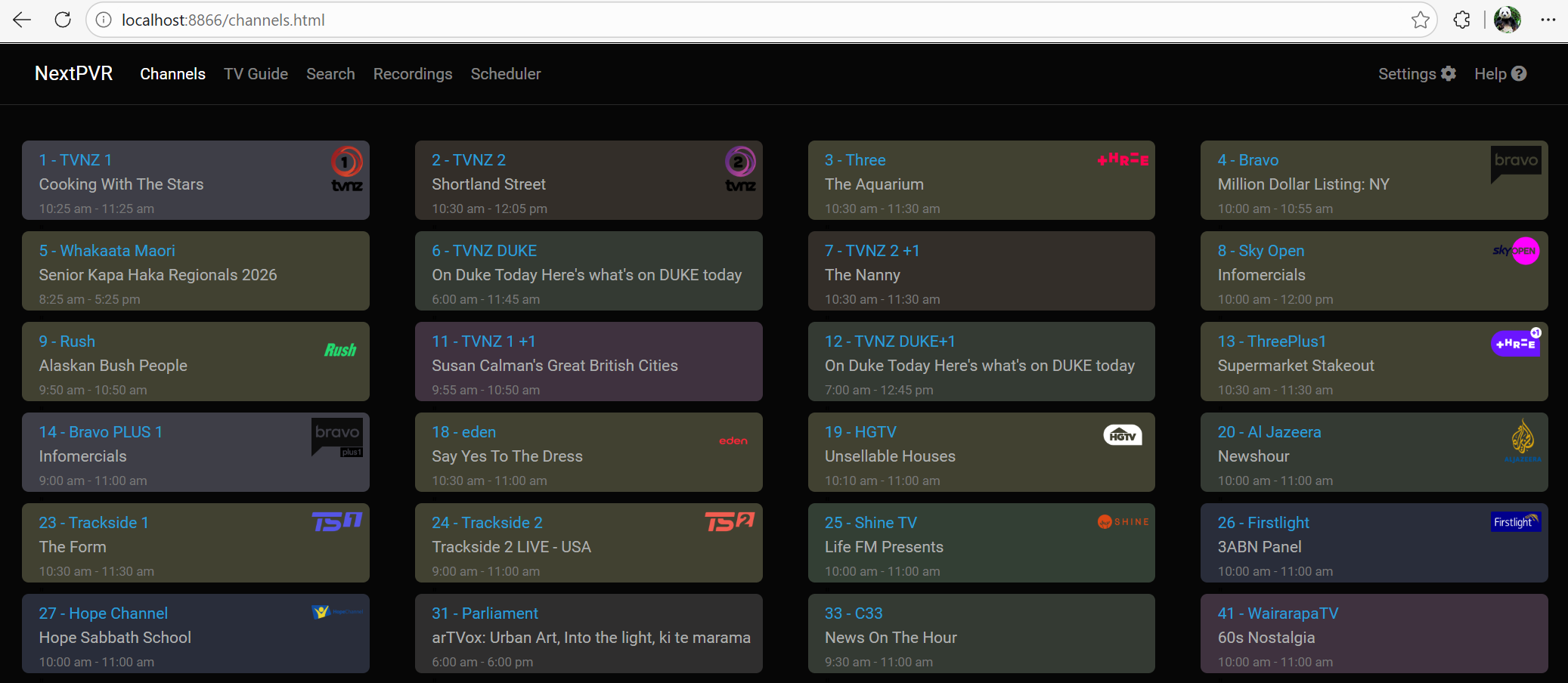
Access NextPVR at http://localhost:8866 to configure your server, manage recordings, and watch live TV.
http://localhost:8866
Default login: admin/password.
For the best playback experience on lower-powered machines, consider one of the dedicated clients below.
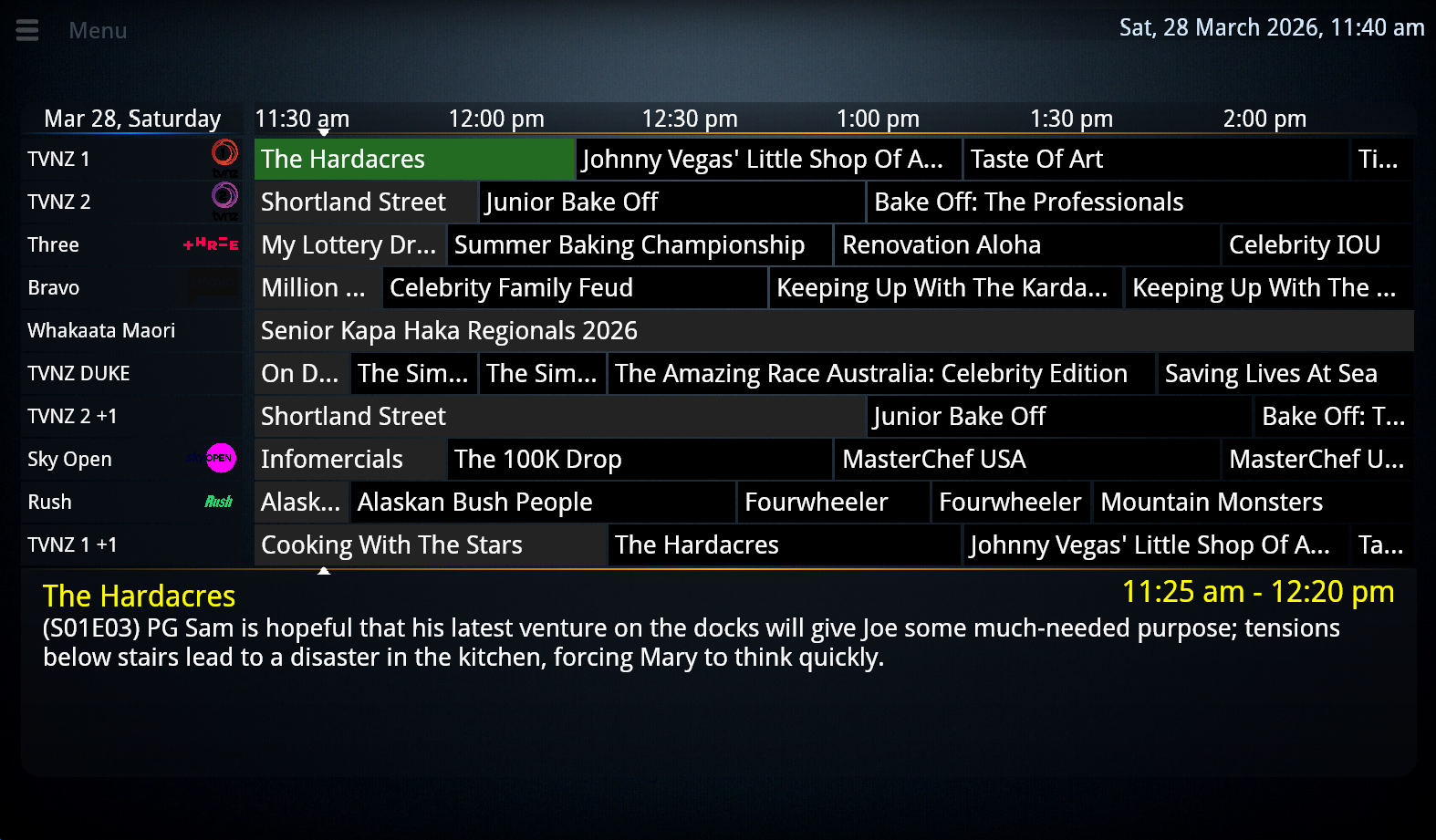
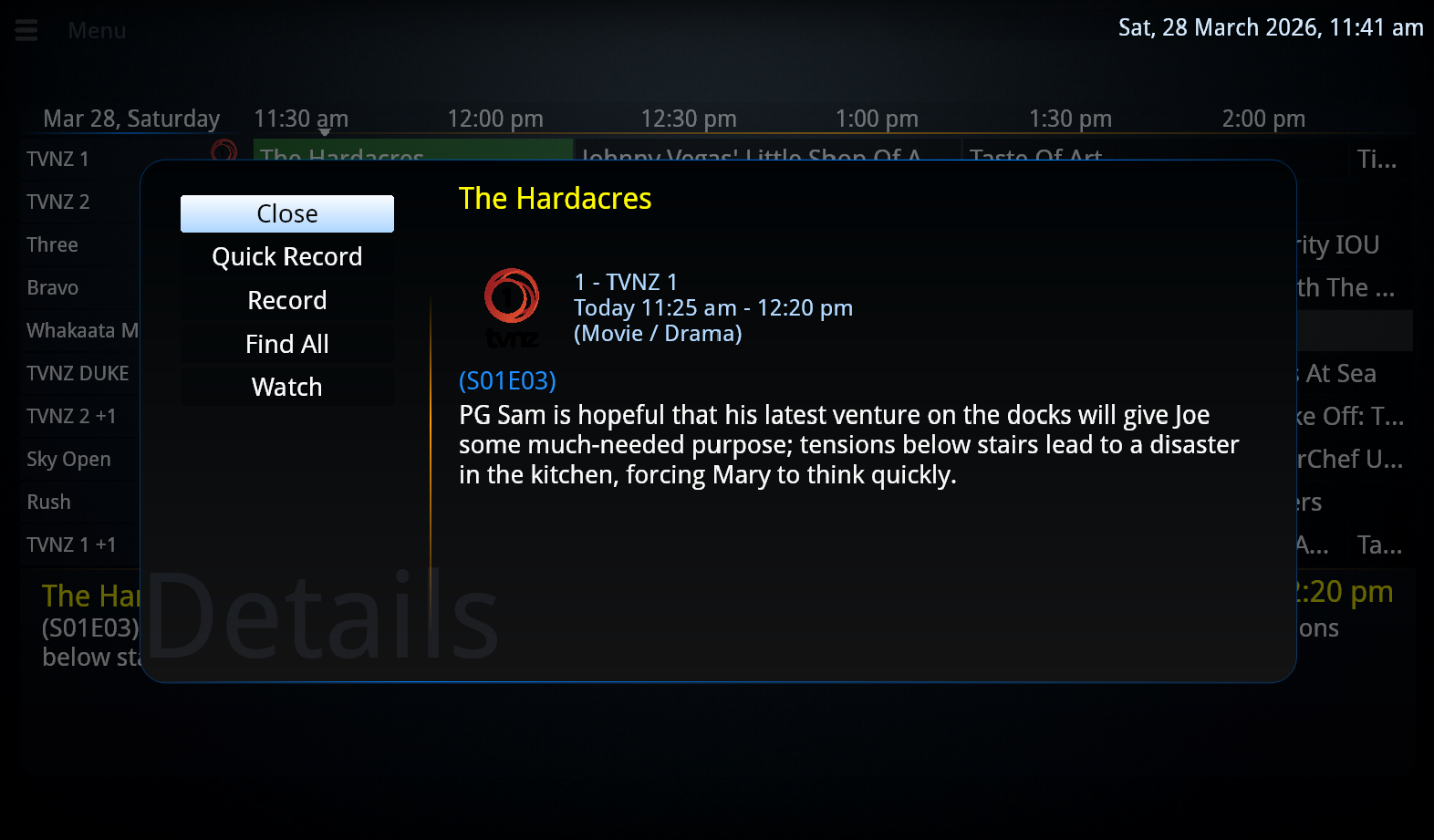
These applications provide a set-top-box style interface designed for your TV, driven by a remote control.
Use Kodi as a client for NextPVR with the built-in addon.
Use Jellyfin as a client for NextPVR with the built-in addon.
Access your NextPVR channels from Emby.